
Signal
Signal is a free, privacy-focused encrypted messaging app from the Signal Foundation. Signal Desktop 8.28.0 brings your chats to a Windows PC.
Windows
Open source

WhatsApp for Windows is the desktop app of Meta's messenger. It links to your phone account so you can chat and call from a PC.
Average 0.0 · ratings: 0
Thank you! Your rating is saved; you can change it. Could not save the rating. Please try again later. Too many ratings from your network today. Please try again tomorrow. The average appears after 5 ratings.
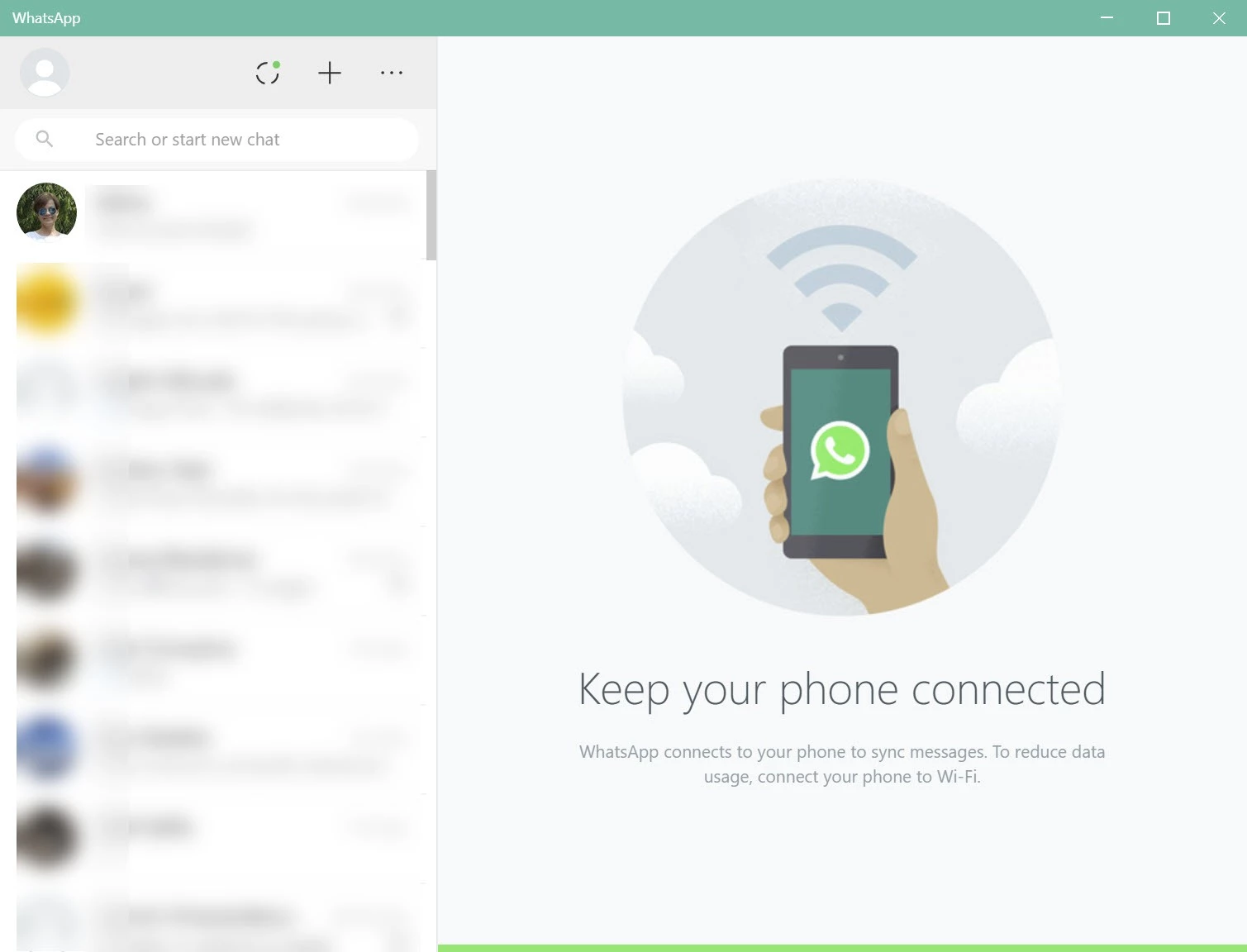
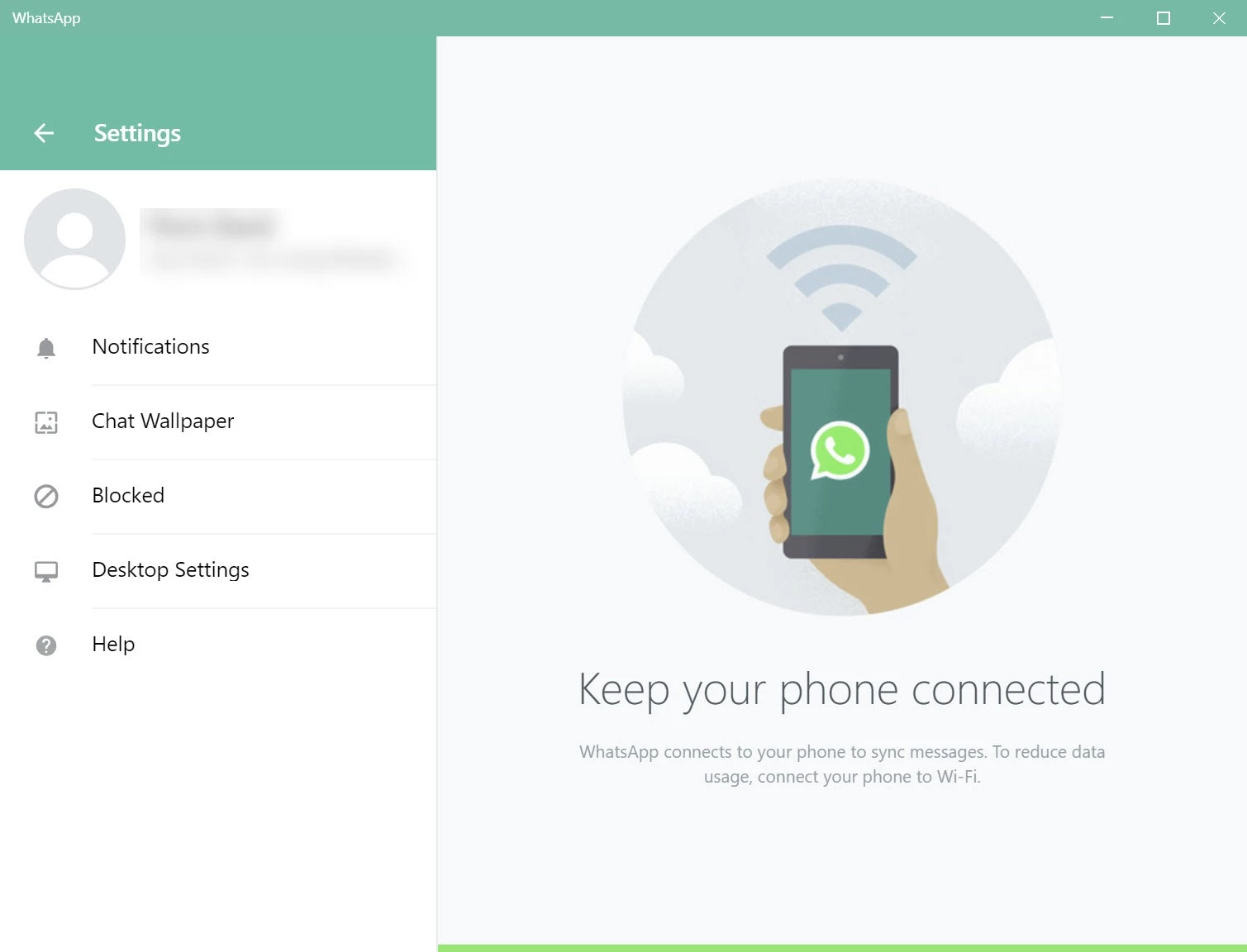
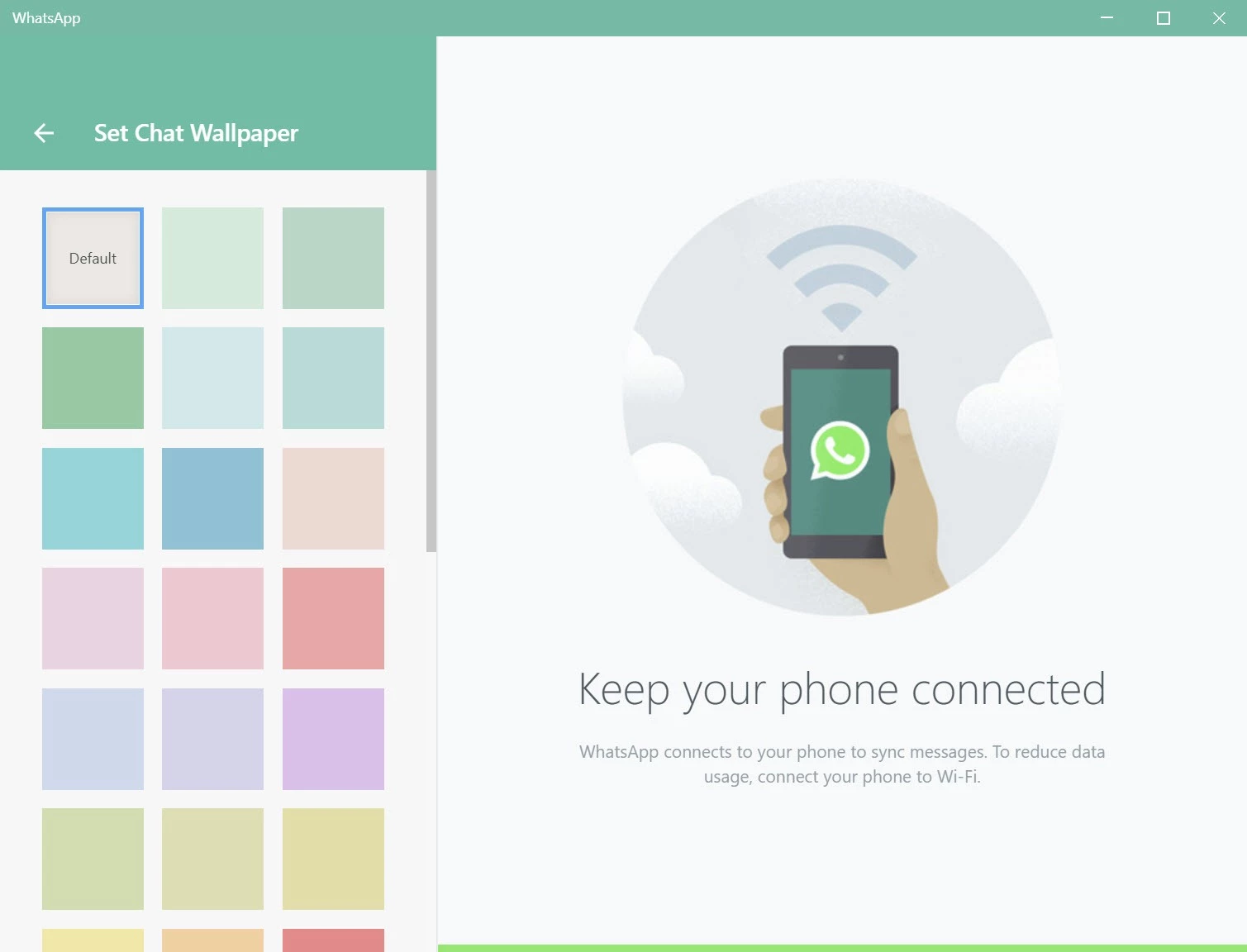
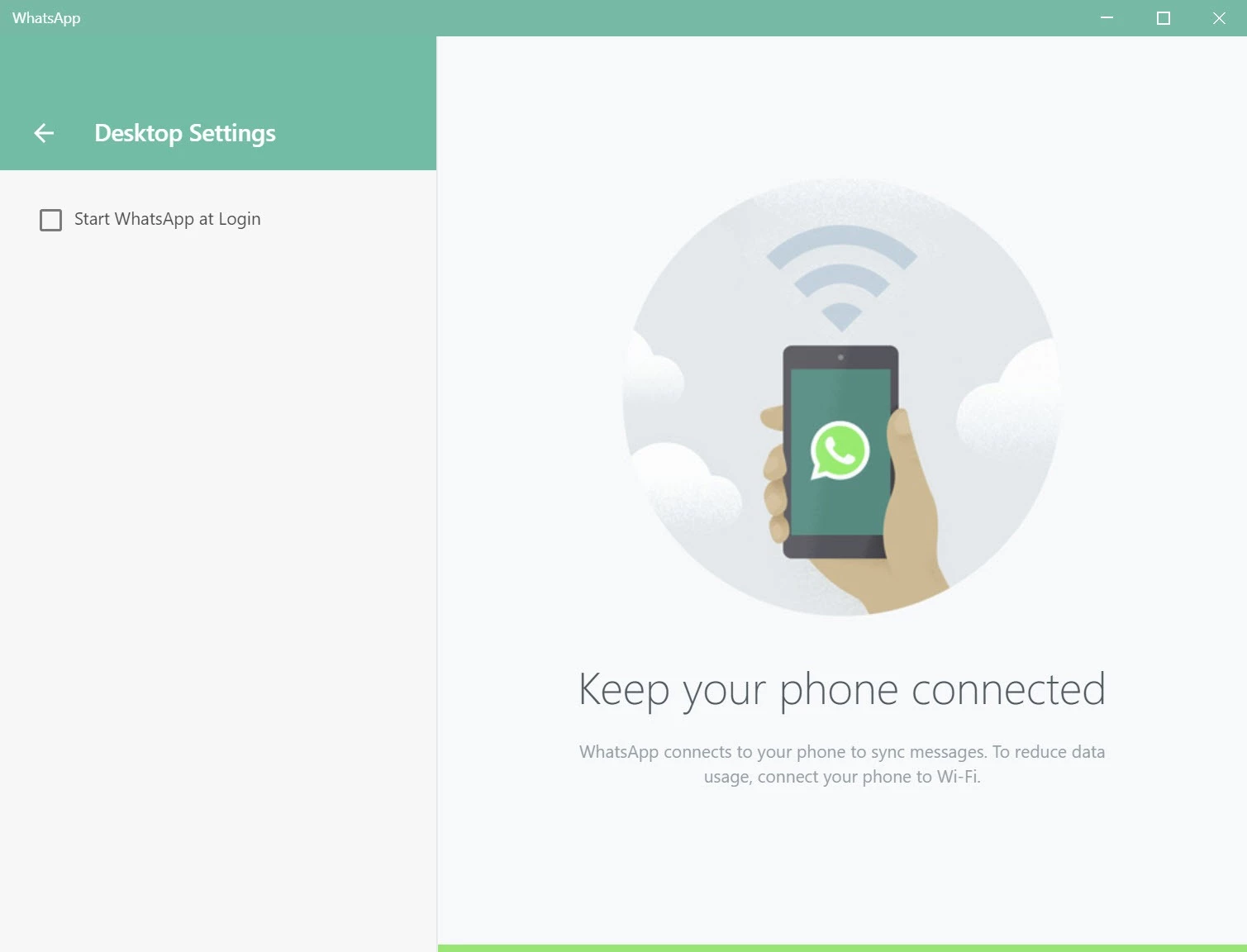
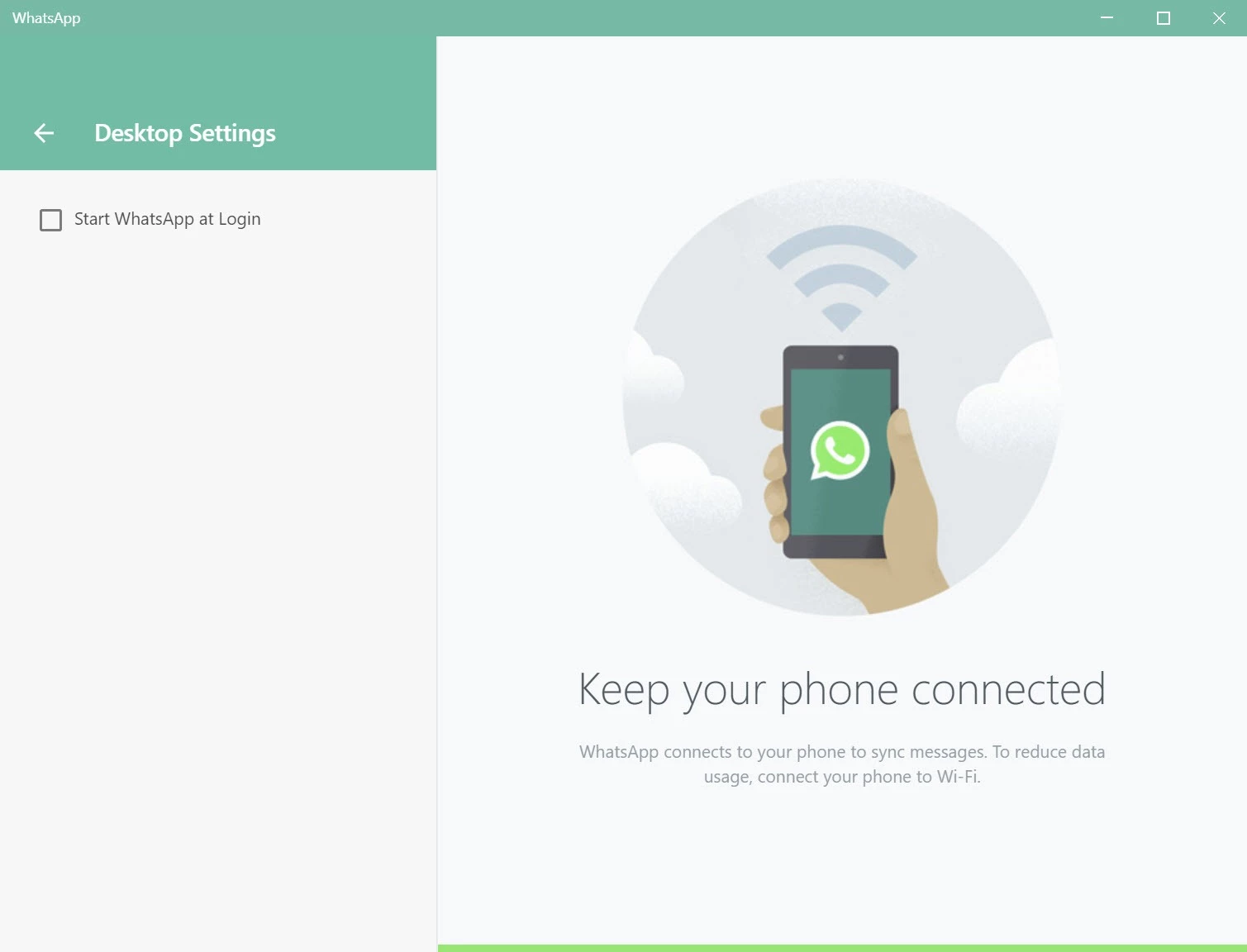
WhatsApp 2.2636.100.0 for Windows is the desktop app of the instant messenger owned by Meta Platforms, and you can download it free from WhatsApp's official site or the Microsoft Store. It connects to the account on your phone, so your chats, groups and contacts appear on the PC without creating anything new.
WhatsApp started in 2009 as a mobile messenger and remains phone-first: your account is tied to a phone number, and the desktop app works as a companion to it. That design has one big advantage. You do not need a separate login or password for the computer; you just scan a code with the phone and the PC is linked. From then on, typing long replies, sending documents from your downloads folder or dropping in a screenshot is much quicker than on a small screen. Voice and video calls work from the desktop as well, which helps when you want to talk while looking at something on your monitor. For people who use WhatsApp for work, with clients or colleagues, the Windows app turns it into a proper desktop tool instead of a phone you keep picking up.
| Version | 2.2636.100.0 |
|---|---|
| Developer | WhatsApp LLC (Meta Platforms) |
| License | Freeware, proprietary |
| Platform | Windows |
| Updated | September 2026 |
The mobile apps use a different numbering, so do not be surprised if the version on your phone looks unrelated.
You need an active WhatsApp account on a phone and a supported, current version of Windows; the Store checks compatibility before installing. The phone does not have to stay next to the computer once the device is linked.
Download only from whatsapp.com or the Microsoft Store. Modified clients and "WhatsApp for PC" installers from other sites can steal your session. On a shared computer, lock the app or log out after use, and check the list of linked devices on your phone from time to time, removing any you do not recognise.
WhatsApp is free to download and use; messages and calls go over your internet connection.
Telegram, Signal and Viber are messengers with Windows apps in the same category. For group voice chat, Discord is another choice.
Signal is a free, privacy-focused encrypted messaging app from the Signal Foundation. Signal Desktop 8.28.0 brings your chats to a Windows PC.

WhatsApp Desktop is the official WhatsApp app for Windows, letting you chat and call from your PC with the account on your phone.

Microsoft Teams is Microsoft's collaboration and video-conferencing app for chat, meetings, calls and shared files at work, school or home.

Zoom Meeting is the desktop client of Zoom's video-conferencing service for calls, webinars, screen sharing and chat on Windows.
Camo Studio is Reincubate's desktop app that turns an iPhone, iPad or Android phone into a high-quality webcam for a Windows PC or Mac.

Google Meet is Google's video meeting app. On Windows it runs from the browser and can be installed as an app, with no separate installer to download.

Facebook for Windows is the desktop app of Meta's social network, with the news feed, groups, pages and notifications in a separate window.

Telegram Desktop is the official Windows client of the Telegram messenger, with chats, groups, channels and file sharing synced from the cloud.

Telegram Web is the browser version of the Telegram messenger: open it on a Windows PC, log in with your phone and chat without installing anything.